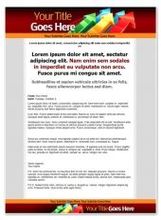
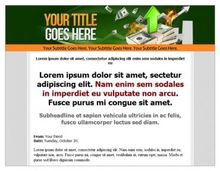
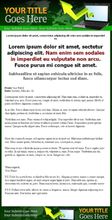
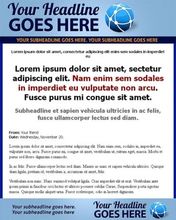
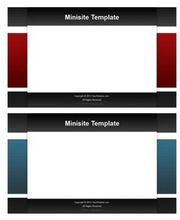
Mighty Minisite template was coded to be easy to use, with SEO friendliness and clean code.
A major part of it is done by applying easy to use and modify CSS formatting.
With sleak CSS coding, some of the biggest benefits that you get is a light-weight website because you no longer need to use HTML codes like , , to style your sales letter.
Mighty Minisite template also include some of the best ways to hightlight content on your website. Check out how easy it is to display a list, create a boxed content, display headlines and more...
1.Strong bold logo
2.Clear website name and description
3.Top menu navigation (can be removed)
4.Graphical headline
5.Sub-headline, with Cufon text replacement ()
6.Sidebar area
7.Ready opt-in box (can be removed)
8.Use sidebar for testimonials or other content
9.Sub-headline, with Cufon text replacement ()
10.Easy CSS highlighted content area ()
11.Easy CSS green checked listing ()
12.Easy CSS red cross listing ()
13.Easy CSS Johnson box for bonuses or product modules info ()
14.Comes with matching order button with credit card logos
15.Footer menu (can be removed)
16.Footer content area for infos like disclaimer & legal
video tutorial covers all the necessary things you need to know on how to use Mighty Minisite.
Over 40 minutes of viewing time You can bet that we really covered a lot on this video. You can also expect some really cool tricks when using Mighty Minisite.
Heres what you will learn in these videos
1. Getting Started With Mighty Minisite
2. Layouts: Sidebar or Full Wide
3. Formating Text Content
4. Working With Sidebar
5. Creating an Optin Box
6. Working With Menus
7. Creating Your Own Header Graphic
8. Creating Your Own Background Graphic
9. The PHP System